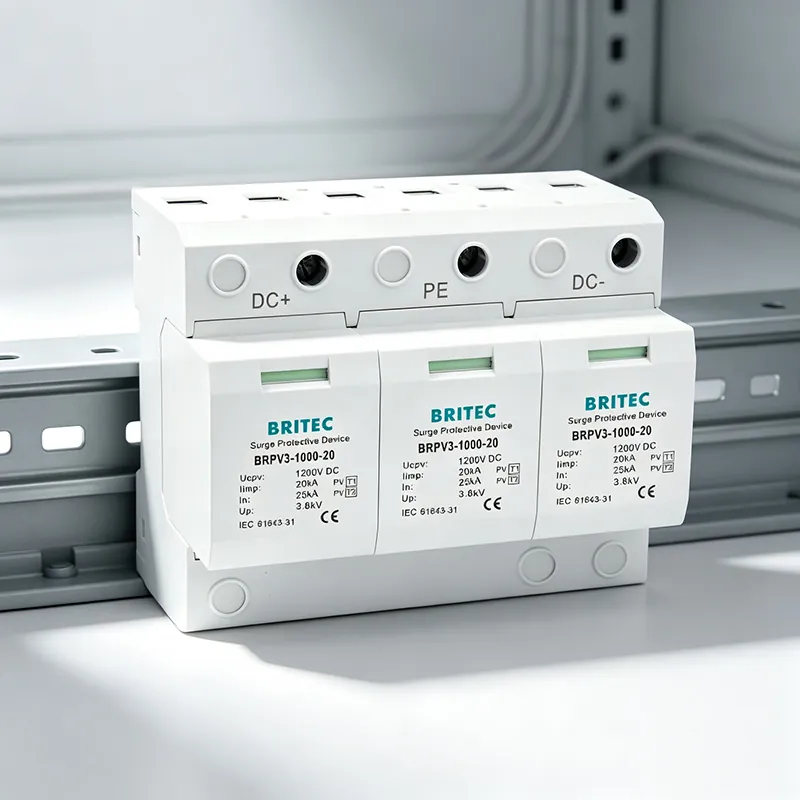

Type 3 surge protective devices are the final guard in a layered SPD strategy. While Type 3 surge protective devices sit closest to the equipment they protect, their effectiveness depends on choosing the right building location and following a few installation rules. This guide explains where to install Type 3 SPDs in a building, why distance matters, and how to coordinate them with upstream protection.
Britec Electric manufactures DIN-rail surge protective devices for commercial, industrial and OEM projects. If you are specifying protection for sensitive electronics, the placement of a Type 3 SPD can be as important as the device rating itself.
A complete building surge protection plan uses three coordinated levels. Each level is sized and located to handle a different source and magnitude of transient overvoltage.
| SPD Type | Typical Location | Main Threat | Typical Rating |
|---|---|---|---|
| Type 1 | Main switchboard / service entrance | Direct lightning current | Class I / up to 100 kA+ |
| Type 2 | Distribution boards / sub-panels | Switching transients | Class II / 20–40 kA |
| Type 3 | Point of use / final outlets | Residual / local transients | Class III / 6–20 kA |
Type 3 SPDs are not designed to absorb a direct lightning strike. Their job is to clamp the residual overvoltage that may pass through a Type 2 SPD, or to suppress transients generated inside the building by motors, VFDs, switchgear and fluorescent ballasts. Install them as close as possible to the sensitive load for the lowest let-through voltage.
Britec Electric supplies DIN-rail Type 3 surge protective devices for commercial, industrial and OEM projects. Send your system voltage, configuration and quantity for a fast, engineer-backed recommendation.
The guiding rule is simple: install a Type 3 SPD at the point of use, within a short cable run of the equipment that needs protection. Here are the most common and effective building locations.
● Server rooms and network racks — Install a Type 3 SPD on the DIN rail of the rack power distribution unit or inside a small sub-panel in the server room. Keep the connection length from the SPD to the server PSU well under 10 meters. For PoE switches and other rack-mounted gear, place the Type 3 SPD within the same cabinet.
● Control panels and PLCs — Mount the Type 3 SPD inside the same panel as the controller, on the load side of the branch breaker. This stops surge current from travelling through long control wiring before it is clamped.
● Medical and laboratory equipment — Protect diagnostic machines, analyzers and imaging systems with a dedicated Type 3 SPD installed at the equipment terminal strip or at a nearby dedicated outlet.
● Office workstations and AV systems — Point-of-use surge protectors at the desk or conference-room outlet can act as Type 3 protection. For permanent installations, a DIN-rail Type 3 SPD behind the outlet gives cleaner wiring and better earthing.
● Industrial sensors and instrumentation — Install Type 3 SPDs at the sensor power feed entry point, especially where cables run between buildings, along metal trays or near VFDs.
● LED drivers and emergency lighting — Protect LED drivers by mounting a Type 3 SPD directly adjacent to the driver terminal block. Britec offers 10 kA and 20 kA Type 3 surge protectors sized for LED street and tunnel lighting loads.
A Type 3 SPD can only protect equipment if the connecting leads are short and the voltage protection level (Up) is low enough. Follow these rules from IEC 60364-5-53 and manufacturer best practice.
● Keep lead length short — Install the SPD as close to the protected load as possible. Effective protection distance is typically considered to be less than 10 meters; beyond that, lead inductance can raise the voltage at the equipment terminals.
● Bundle the conductors — Route the phase, neutral and protective conductors together and keep them straight. Separated or long loops increase the inductive voltage drop during a surge.
● Use a common PE reference — Connect the SPD and the protected load to the same local protective conductor. Do not rely on a remote ground bar at a different potential.
● Coordinate with upstream protection — The Type 3 SPD should have a lower Up than the upstream Type 2 SPD so that it clamps first at the point of use. If Up is higher, the Type 3 SPD may not operate before damage occurs.
● Add a backup breaker when specified — Use a dedicated breaker or fuse for the SPD where the installation standard or manufacturer requires it. This also makes replacement easier at end of life.
Britec Electric supplies DIN-rail Type 3 surge protective devices for commercial, industrial and OEM projects. Send your system voltage, configuration and quantity for a fast, engineer-backed recommendation.
Britec Electric supplies compact DIN-rail Type 3 SPDs for final distribution and point-of-use protection. The right model depends on the system configuration (TT, TN-S, TN-C-S), the number of poles and the discharge current required.
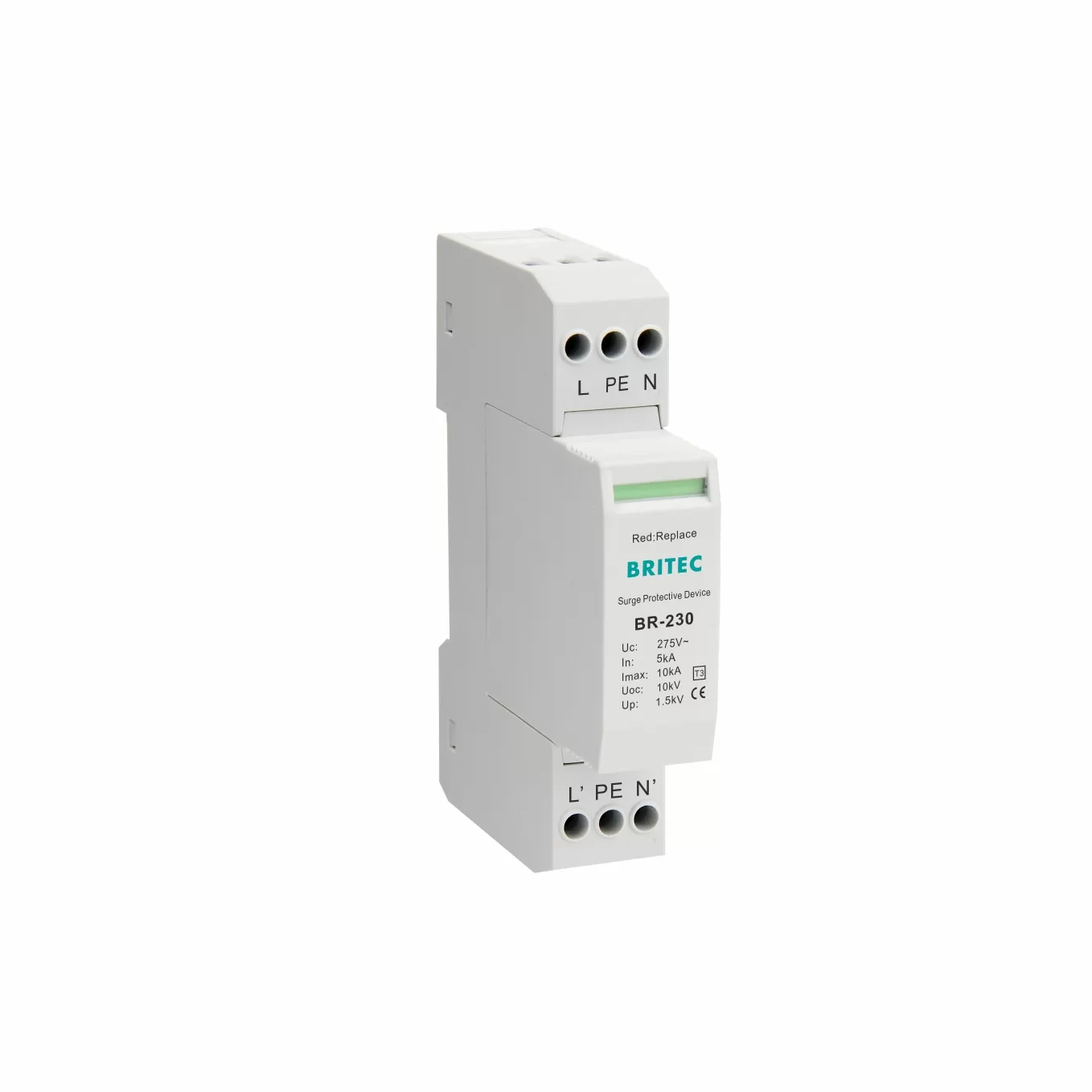
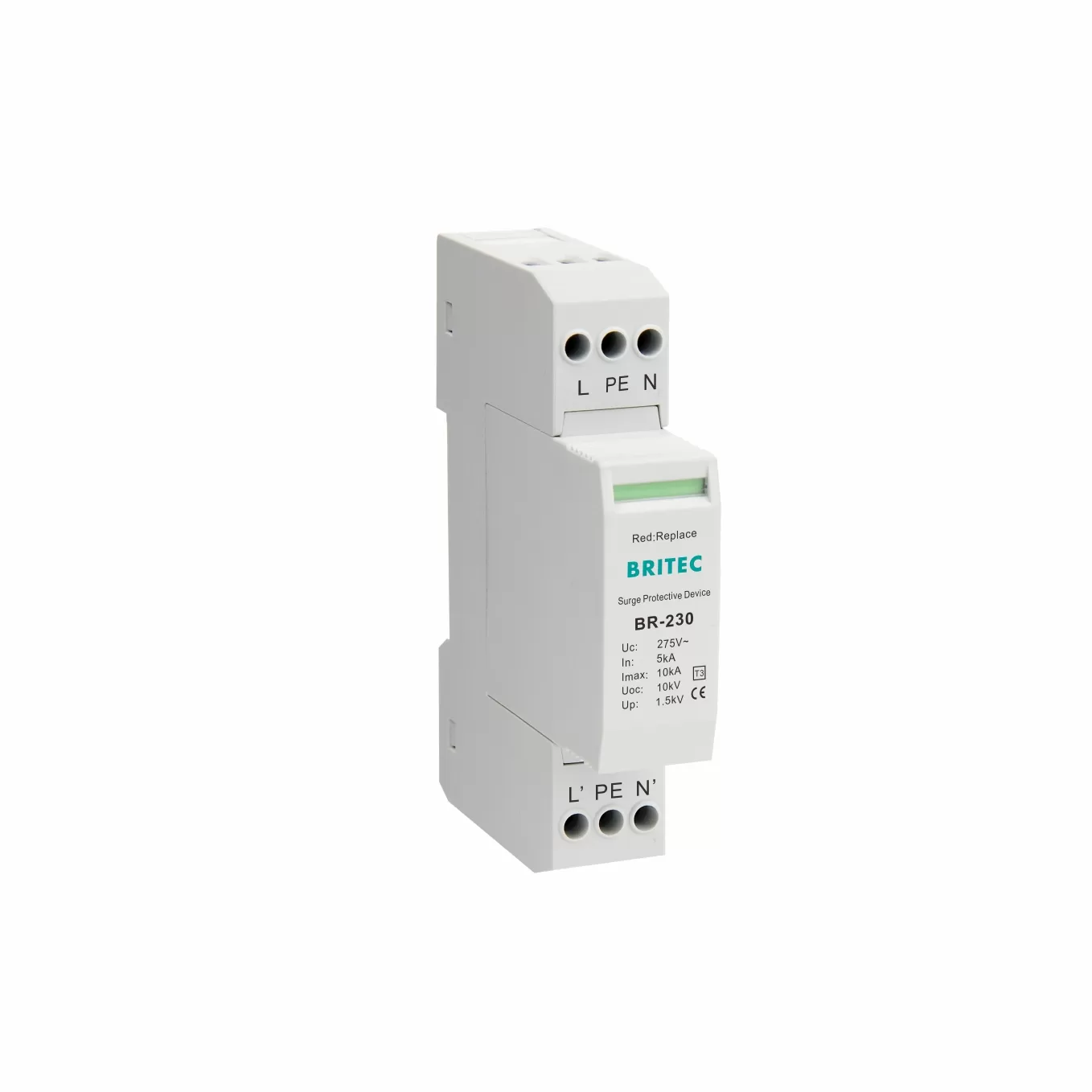
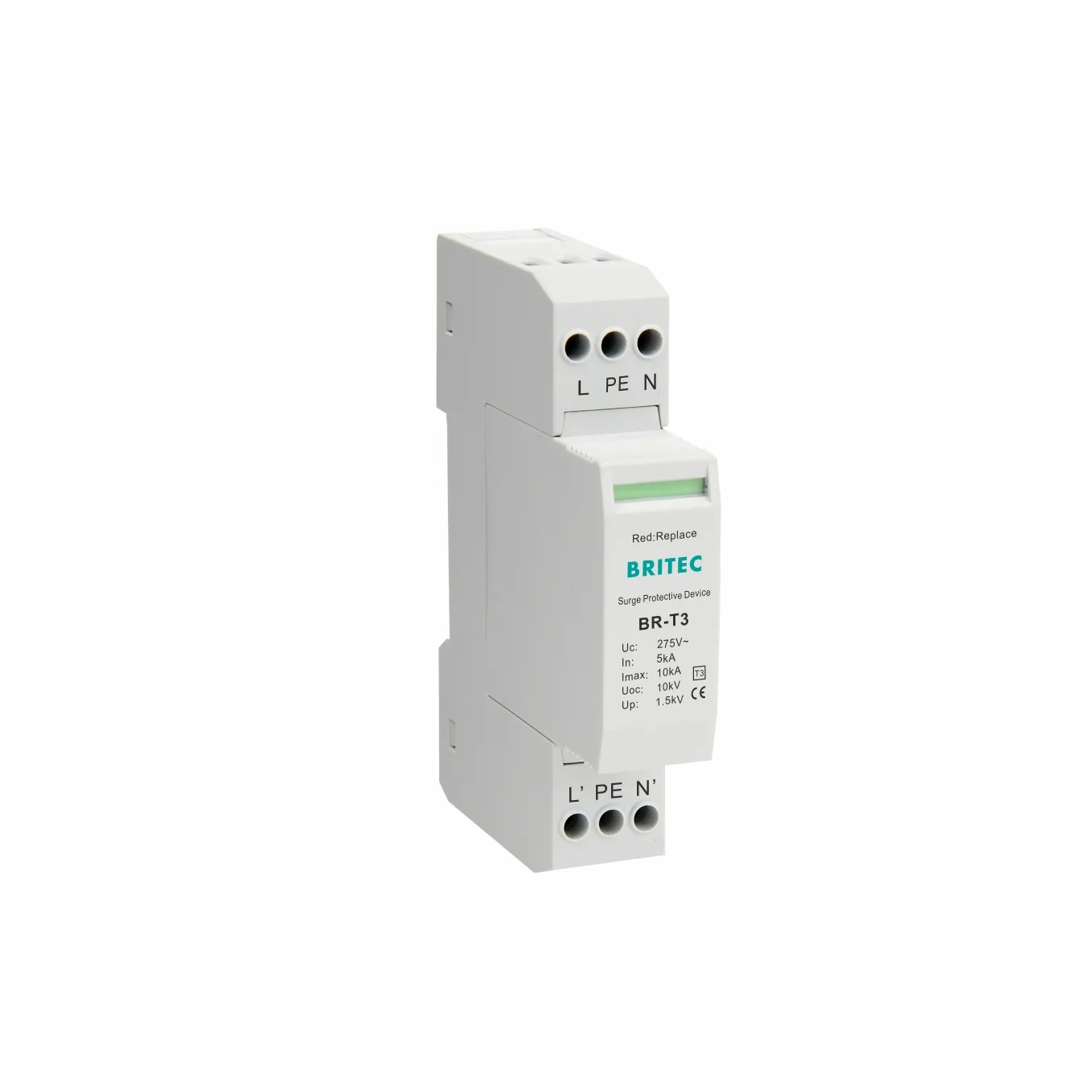
BR-230 Type 3 surge protector is a compact 1+NPE unit rated at Uc 275 V~, In 5 kA and Imax 10 kA, with a voltage protection level of 1.5 kV. It is suitable for final circuits protecting PLCs, control systems, office equipment and other sensitive loads.
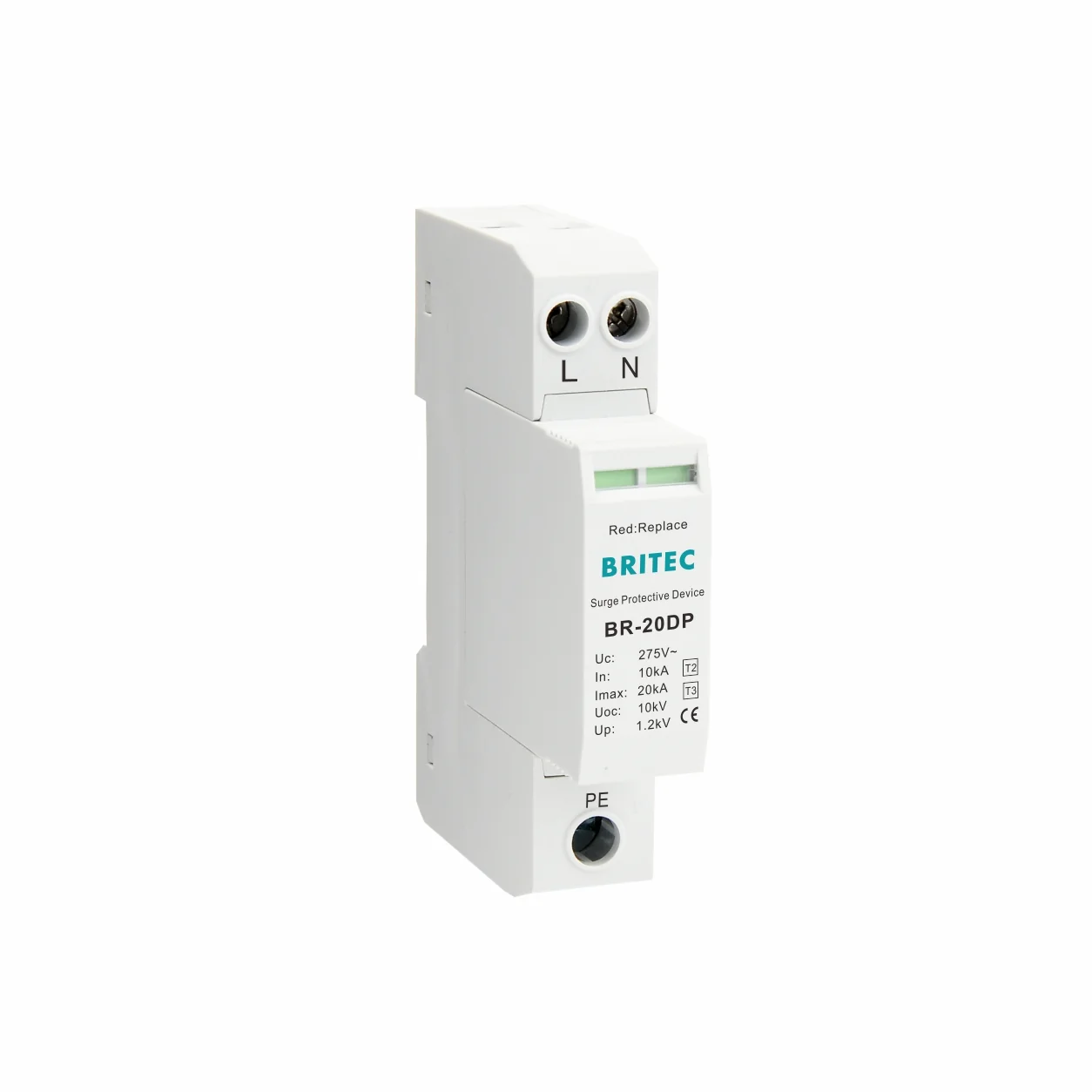
For higher-load branch circuits, BR-20DP 2P 20 kA Type 3 SPD provides Class III protection with Imax 20 kA and Up 1.2 kV. The 2-pole configuration fits TN-S and TT systems where a higher discharge capacity is needed close to the load.
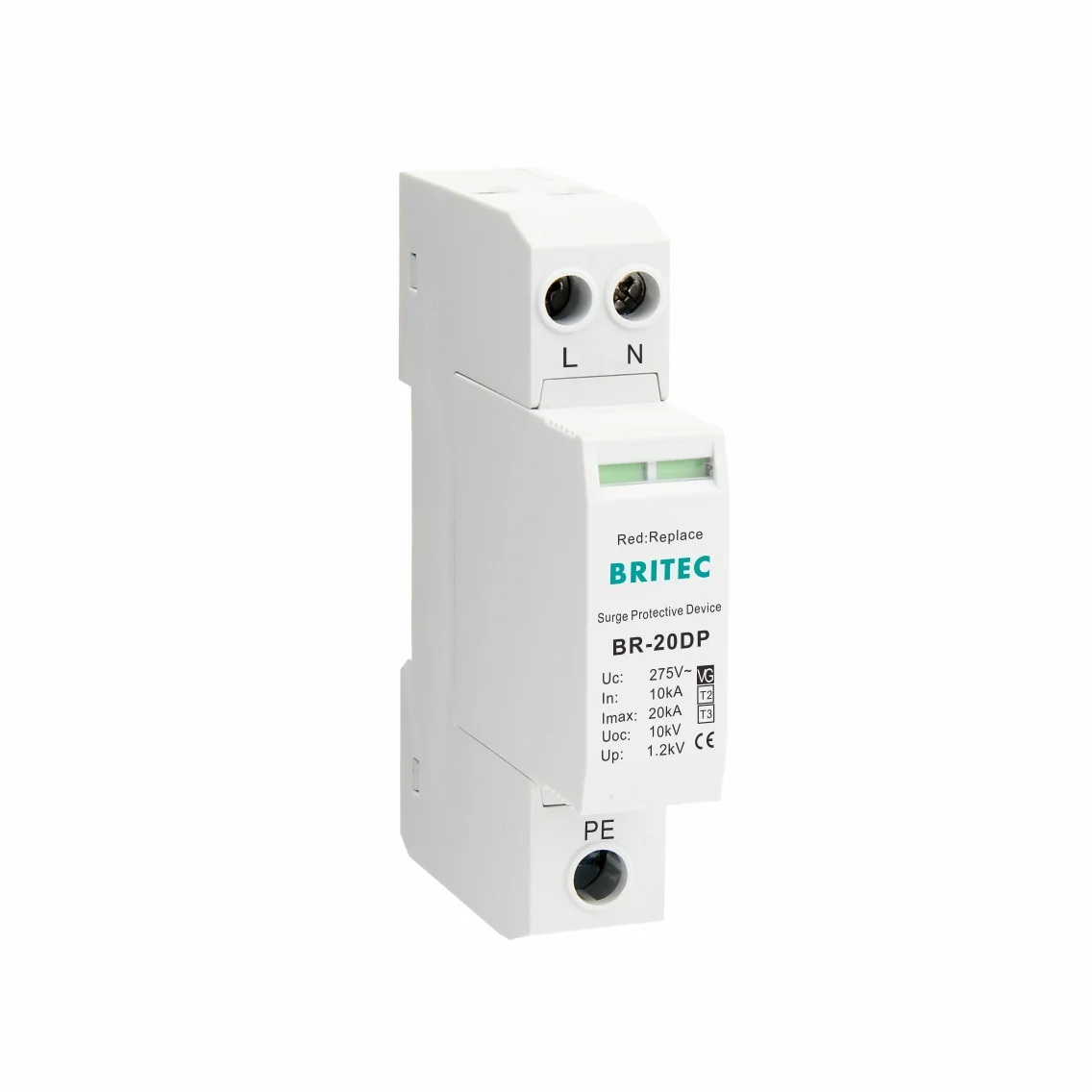
For TT and TNS networks, BR-20DP 1+1 20 kA Type 3 SPD combines line-to-neutral and N-to-PE protection paths. Match the maximum continuous operating voltage (Uc), nominal discharge current (In) and voltage protection level (Up) to the equipment being protected.
For more detail on choosing the correct rating, see our Type 3 SPD selection guide.
Even a high-quality Type 3 SPD can fail to protect equipment if it is installed incorrectly. Avoid these common errors.
● Mounting the SPD too far from the load — A Type 3 SPD installed in a central panel with long cable runs to the equipment loses much of its protective value.
● Loose or unbundled connection leads — Long, separated phase and neutral conductors create extra inductance and raise the let-through voltage.
● No upstream Type 2 protection in high-risk sites — Type 3 SPDs are not substitutes for Type 2 SPDs in commercial or industrial buildings exposed to large transients.
● Mismatched Uc values — The SPD must have a Uc rating equal to or higher than the continuous operating voltage of the circuit.
● Ignoring end-of-life indicators — Most Type 3 SPDs have a status window. If the indicator turns red, replace the unit immediately. Read our guide on how to know if a Type 3 SPD needs replacement.
Q: What is the difference between a Type 2 and a Type 3 surge protective device?
Type 2 SPDs are installed at distribution boards and protect against switching transients from within the building. Type 3 surge protective devices are point-of-use devices installed close to sensitive equipment to clamp residual transients. They are coordinated, not interchangeable.
Q: How far can a Type 3 SPD be installed from the equipment?
Keep the connecting cable as short as possible. IEC 60364-5-53 guidance treats the effective protection distance as limited to roughly 10 meters. Beyond that, lead inductance can raise the voltage at the equipment terminals.
Q: Can I use a Type 3 SPD without a Type 2 SPD?
In a low-risk domestic or small-office environment a Type 3 SPD at the outlet may be enough. In commercial, industrial or lightning-prone buildings a coordinated Type 2 + Type 3 cascade is strongly recommended, because Type 3 SPDs are not designed for direct lightning currents.
Q: Where is the best place to install a Type 3 SPD in a server room?
Mount it on the DIN rail of the rack power distribution unit or in a small sub-panel inside the server room, within a few meters of the servers. Use a dedicated breaker and keep the PE connection short and direct.
Q: Should Type 3 SPDs be installed in office buildings?
Yes. Office buildings contain computers, network switches, AV equipment, access control and fire-safety controllers. Installing Type 3 SPDs at the final outlets or equipment terminals adds the final level of protection against internally generated transients.
Q: Do Type 3 SPDs need a dedicated circuit breaker?
A dedicated breaker or fuse is good practice. It allows safe isolation during maintenance and provides backup overcurrent protection. Size the backup protection according to the SPD manufacturer’s recommendation.
Explore more Britec guides on Type 3 SPD selection, maintenance and comparison.
● Type 3 Surge Protective Device Selection Guide
● SPD Type 3 vs Surge Protection Power Strip: Key Differences Explained
● What Happens Without Surge Protection Device Type 3?
● How to Know If a Type 3 SPD Needs Replacement
● What Happens When Type 3 Surge Protection Device Reaches End of Life